01
Drag dividerFront artworkGarment view
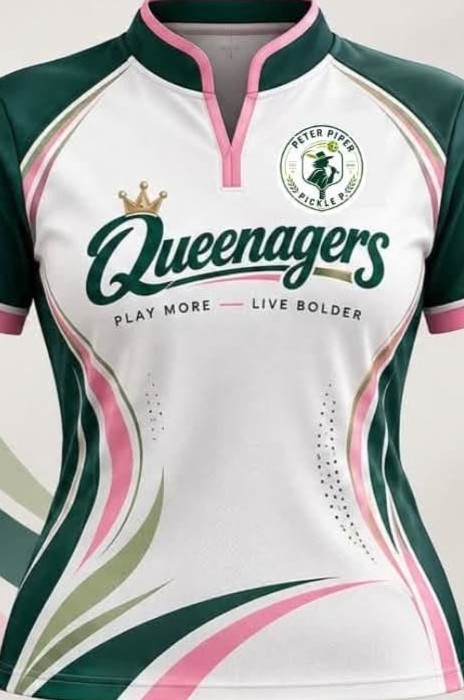
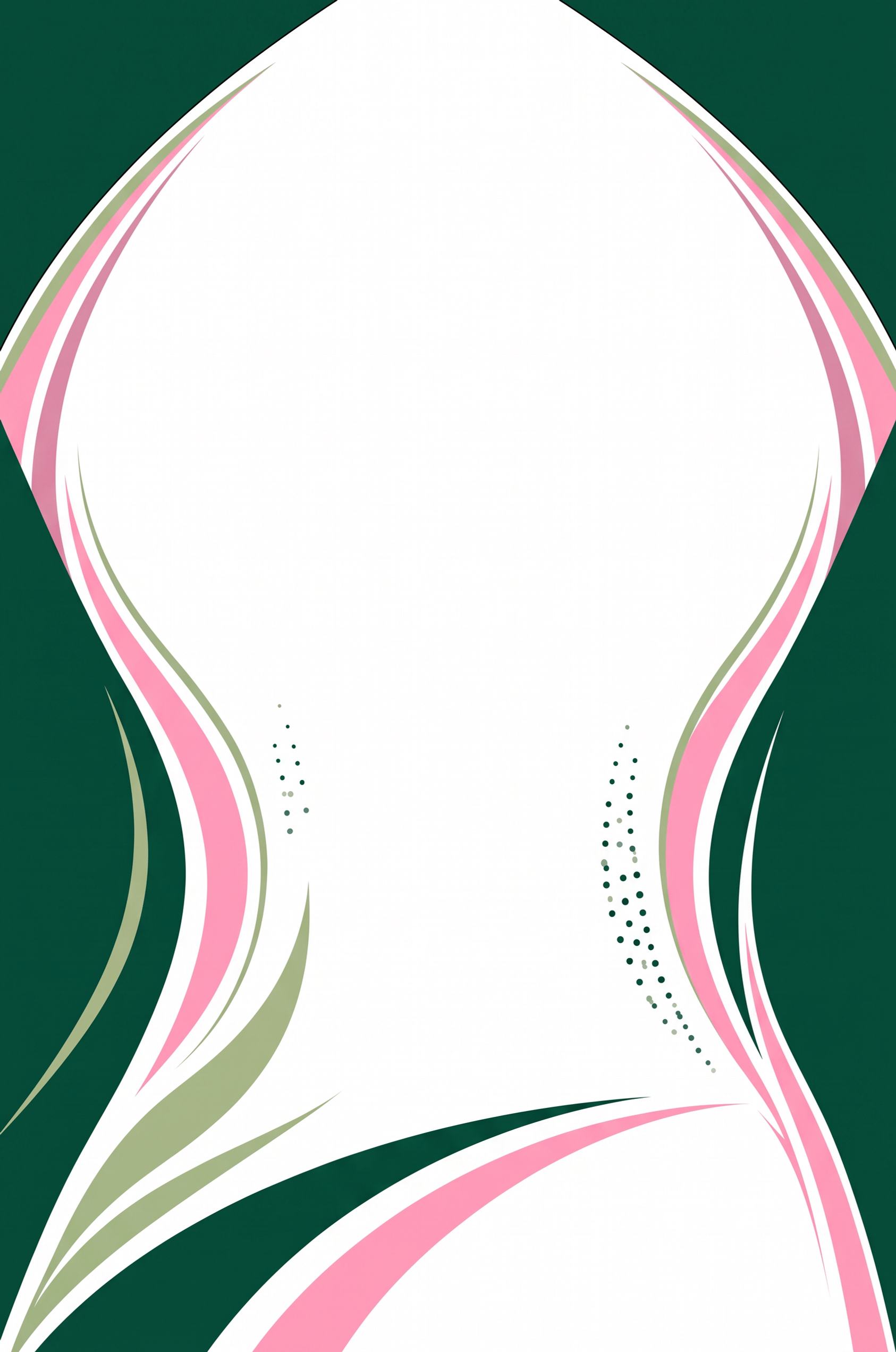
Extract artwork from garments and logos, refine the details, and deliver clean files your production team can actually use.
Free account required to save your work.
Compare the source garment with the clean extracted artwork. Drag either divider to inspect the result edge by edge.
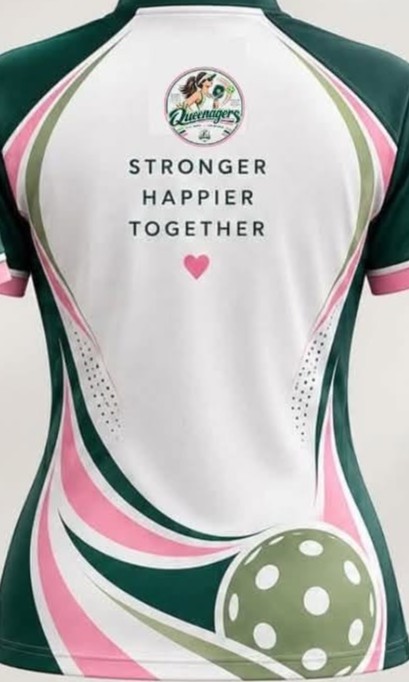
See the full handoff after upload: cropped artwork, vector controls, transparent assets, and export-ready files built for real print shop work.
Production Workflow
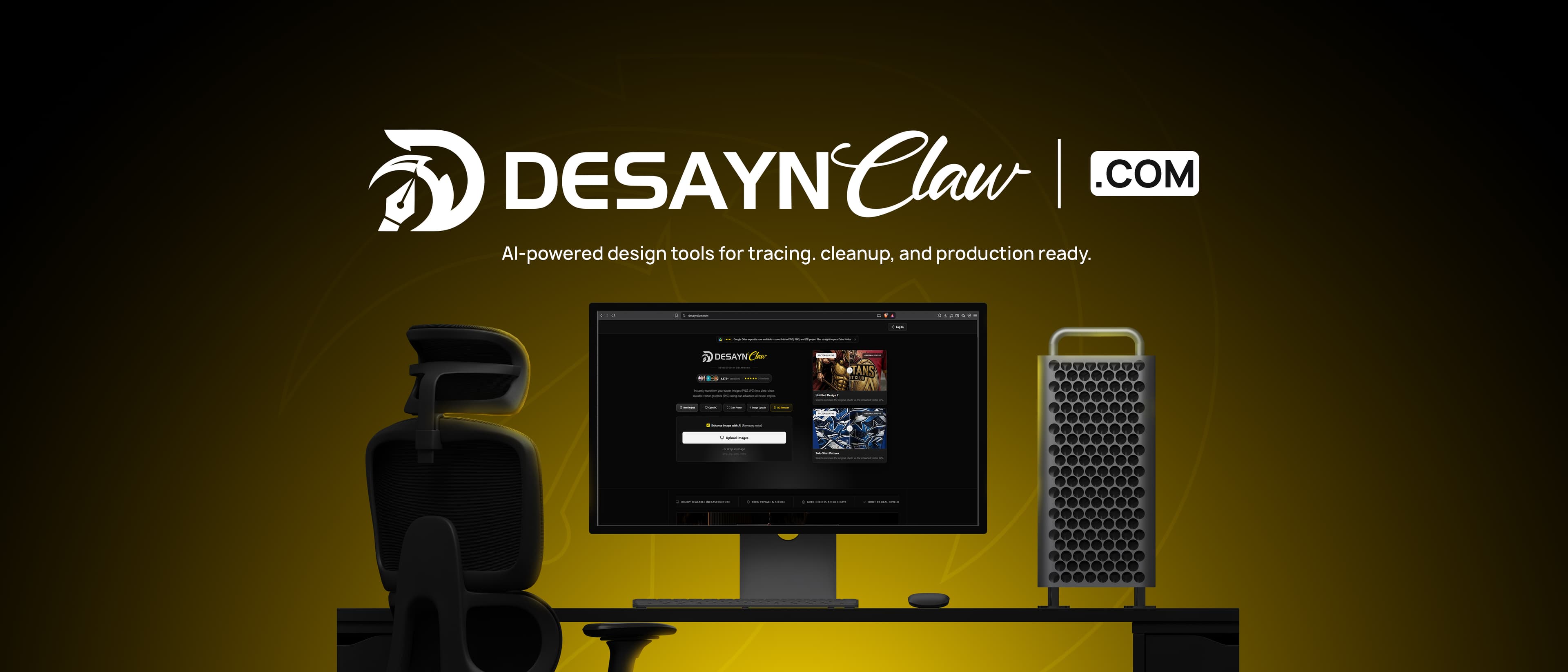
DesaynClaw keeps messy artwork moving through one clean handoff: isolate the artwork, run the right AI tool, then export files your production workflow can actually use.
Vectorization of raster images is done by converting pixel color information into simple geometric objects. The most common variant is looking over edge detection areas of the same or similar brightness or color, which are then expressed as graphic primitives like lines, circles, and curves.
A Raster graphics image is a rectangular grid of pixels, in which each pixel (or point) has an associated color value. Changing the size of the raster image mostly results in loss of apparent quality.
examples: photos
Vector graphics are not based on pixels but on primitives such as points, lines, curves which are represented by mathematical expressions. Without a loss in quality, vector graphics are easily scalable and rotatable.
examples: cliparts, logos, tattoos, decals, stickers, t-shirt designs
Turn messy raster artwork into clean, scalable production files in a focused three-step workflow.
Start with a logo, jersey mockup, product photo, or raster artwork you need cleaned for production.
Pick the workflow that fits the job: vector tracing, background removal, image upscale, or crop-to-extract.
Download clean output files ready for editing, printing, client delivery, or handoff to your production team.
Clean production tools for converting mockups, logos, and photos into usable print-ready files.
Start from a raster image, isolate the artwork, clean the output, and prepare downloadable files without jumping between tools.
Vectorize, Upscale, BG Remove
SVG, PNG, ZIP exports
Send polished files for sublimation, branding, and apparel work with fewer manual cleanup steps.
Move faster through common production tasks.
Slide to see how our AI perfectly removes complex backgrounds, including fine details like hair, fur, and difficult edges. Get precise cutouts in seconds without manual tracing.

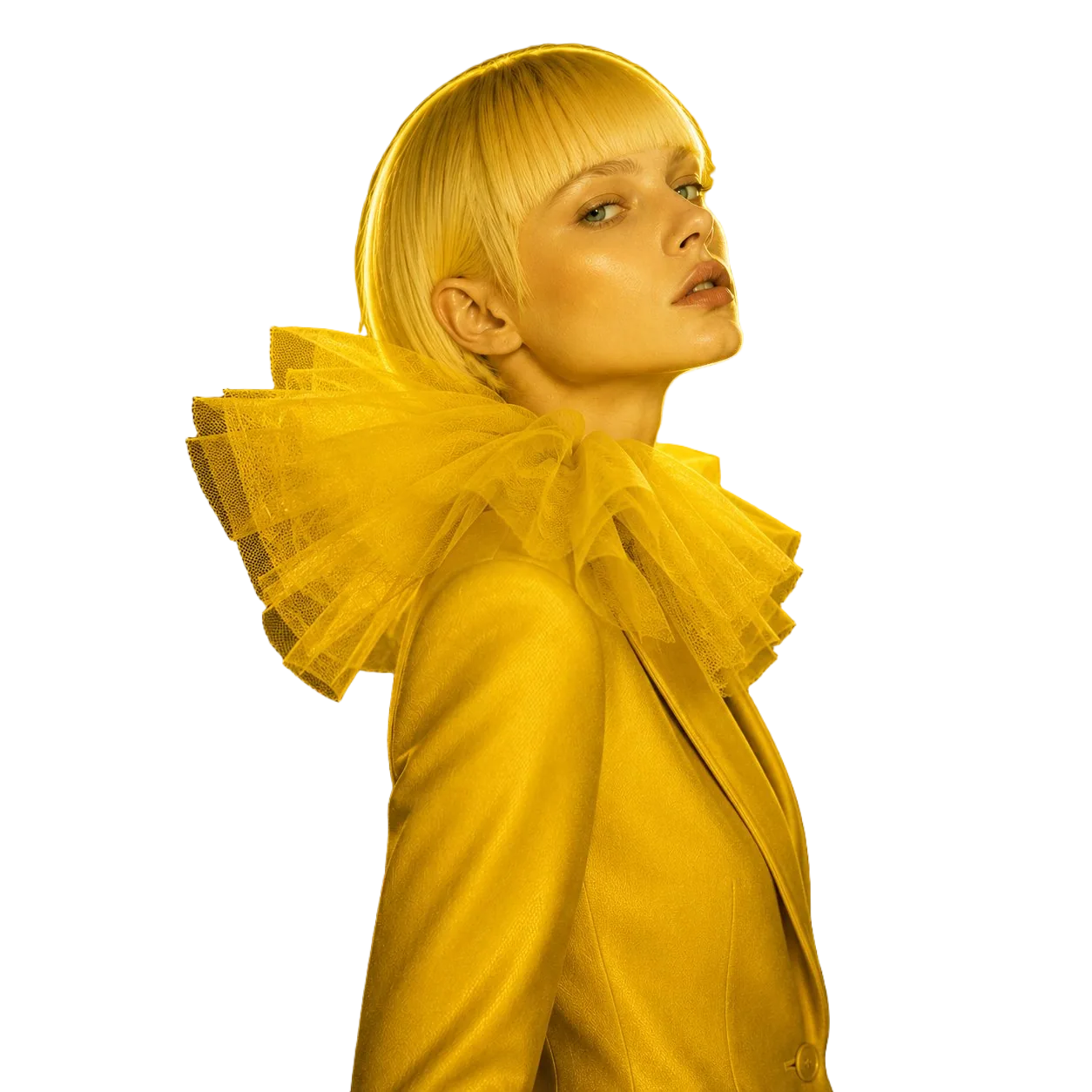
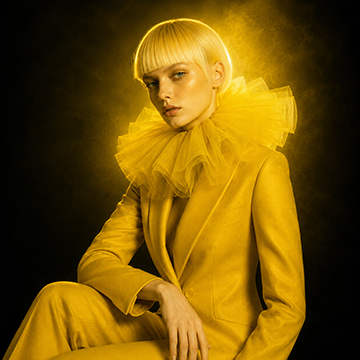
Recover lost details, sharpen blurry edges, and magically enhance low-resolution images. Slide to see the crystal clear difference when upgrading to 4K resolution.
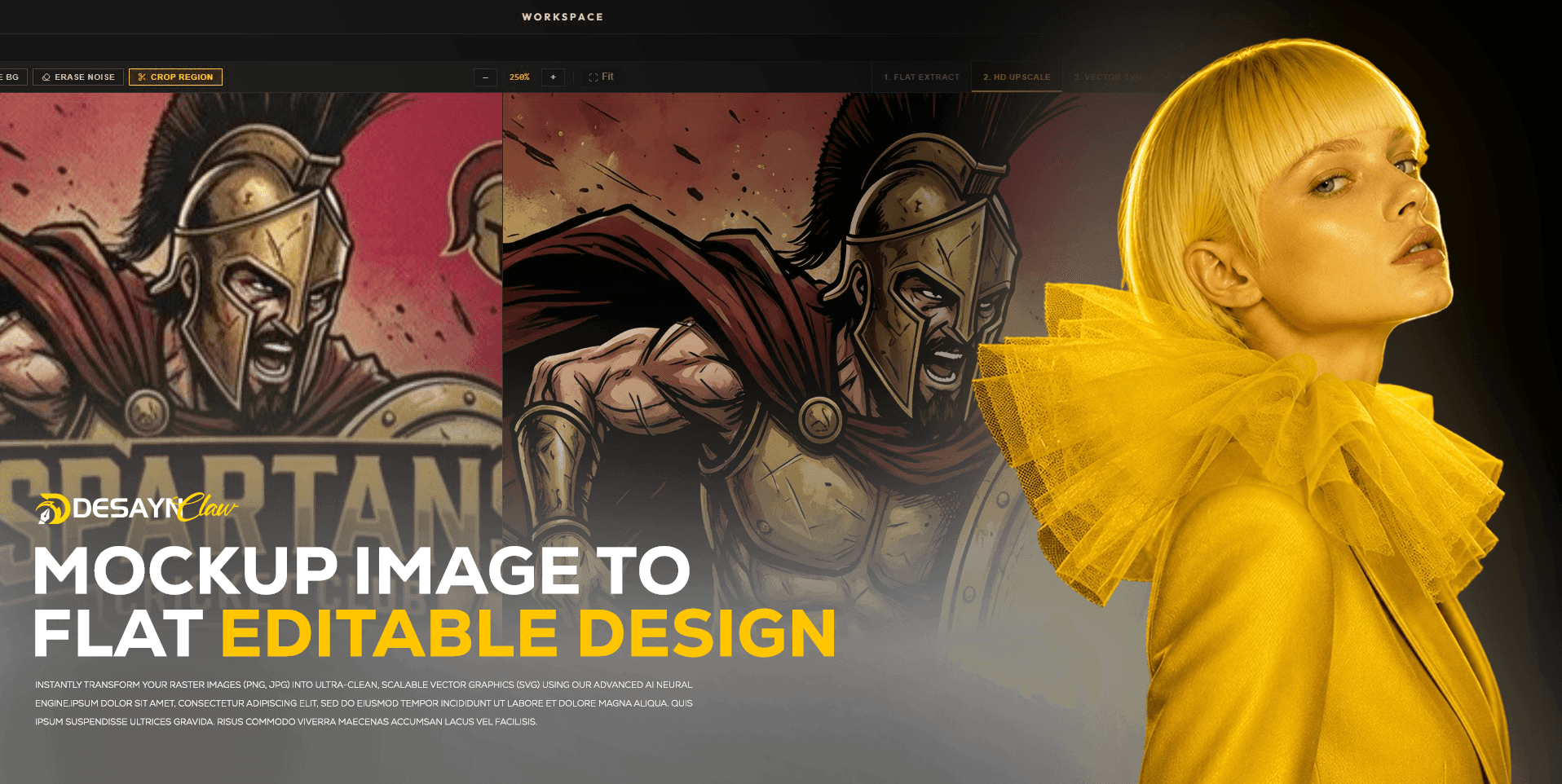
Extract flat sublimation-ready files from jersey mockups. Save hours of manual Photoshop work. Output clean, print-ready rectangles straight to your RIP software.
Vectorize low-resolution logos into crisp, scalable SVGs. Enhance old or blurry brand marks into professional vector files ready for Illustrator, CorelDRAW, or embroidery.
Reproduce barangay, basketball, volleyball, and school uniform designs from mockup photos. Get editable flat files for any sport without touching the original artwork.
Remove backgrounds, upscale to 4K, and vectorize client artwork in minutes. Take on more orders and deliver faster without sacrificing quality.
Read our sample testimonials
"So many tracing tools out there, but I keep coming back to DesaynClaw. It just works for production files."
"The interface feels clean and direct. I can upload artwork, review the result, and move faster without extra steps."
"Ultra fast output for rush orders. The tools are simple enough for everyday print shop work."
"DesaynClaw is the only design extraction tool I keep open beside my main editing apps."
"It is crazy how much time it saves. I can test a new file and see a usable base almost immediately."
"Still the most useful AI creative tool in our production workflow."
One-time Claw packages. No subscription or monthly commitment.
For a small file or a fast production check.
A practical pack for one-off client jobs.
Built for a steady flow of artwork each week.
The lowest cost per Claw for active production teams.
Everything you need to know about DesaynClaw and how it streamlines your print shop workflow.
 Claws
Claws